
Step-by-Step Guide: How to Develop a Web App from Concept to Launch
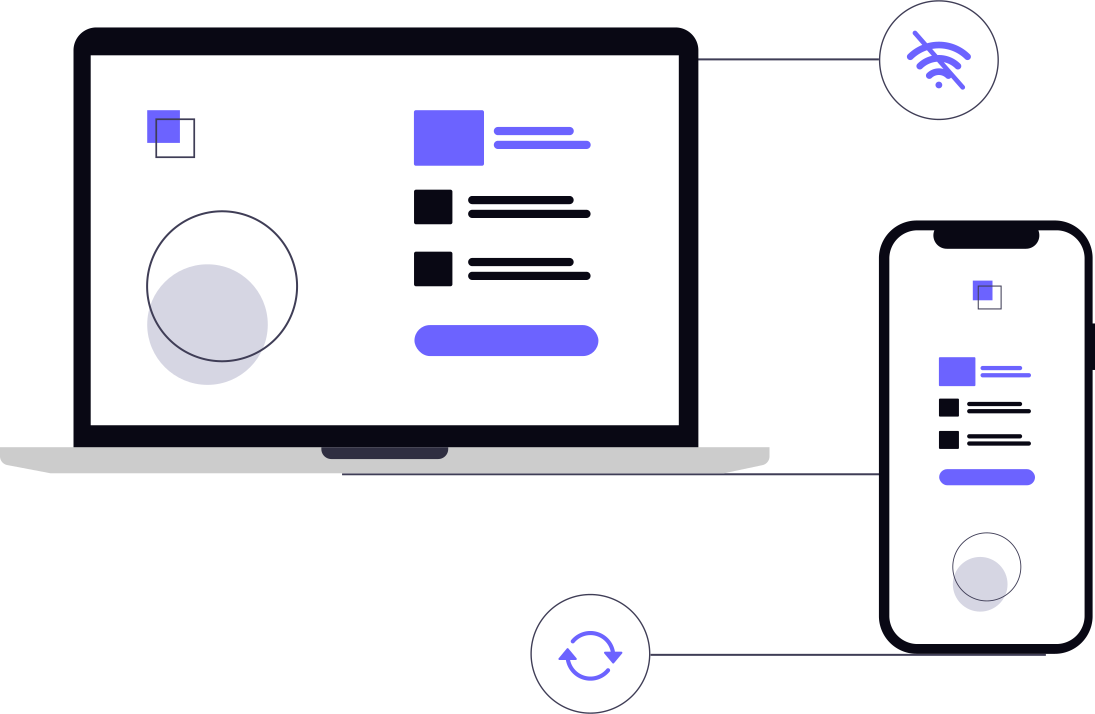
Most people think developing a web app is just about picking a programming language and writing code. In reality, the coding is often the shortest part of the journey. The real work happens in the gaps—the planning, the pivots, and the constant refining of the user experience.
Whether you are a founder with a vision or a project manager tasked with delivering a tool, knowing how to develop web app solutions requires a balance of technical foresight and business pragmatism. You aren't just building a site; you're building a piece of software that needs to handle data, manage users, and stay stable under pressure.
Phase 1: Validating the Concept
Before a single line of code is written, you need to prove that the problem you are solving actually exists. A common mistake is spending six months building a "perfect" feature set only to find out that users only care about one small part of the app.
Start by defining the core value proposition. Ask yourself: What is the one thing this app must do perfectly to be useful? Once you have that, map out the user journey. This isn't a complex flowchart; it's simply a list of steps a user takes from landing on the page to achieving their goal.
At this stage, it is often smarter to focus on MVP development services to test your assumptions. Building a Minimum Viable Product allows you to put a basic version in front of real users and let their feedback dictate the roadmap, rather than guessing what they want.
Phase 2: Planning the Architecture and UX
Once the concept is validated, you move into the blueprinting phase. This is where you decide how the app will actually work under the hood.
User Experience (UX) and Interface (UI)
Don't jump straight into high-fidelity designs. Start with wireframes—simple, grayscale sketches of the layout. The goal here is functionality, not aesthetics. You want to ensure the navigation is intuitive before you spend time picking the right shade of blue for the buttons.
Defining the Tech Stack
Your tech stack is the combination of programming languages, frameworks, and databases that power your app. There is no "best" stack, only the right one for your specific needs. For example:
- Frontend: React, Vue, or Angular are standard for creating interactive, fast-loading interfaces.
- Backend: Node.js, Python (Django/Flask), or Ruby on Rails handle the business logic and server-side operations.
- Database: PostgreSQL or MySQL for structured data; MongoDB for more flexible, document-based storage.
A practical tip: Choose technologies that have a large community and plenty of documentation. If you pick an obscure language because it's "trendy," you'll struggle to find developers or solve bugs when things go wrong.
Phase 3: The Development Process
This is where the actual building happens. To avoid the "black hole" of development—where weeks pass and you have nothing to show for it—use an Agile approach. Break the project into two-week sprints with clear deliverables.
Frontend Development
The frontend is everything the user sees and interacts with. The focus here should be on responsiveness. Your web app must work as flawlessly on a budget Android phone as it does on a 27-inch iMac. This is where the UI designs are converted into living code.
Backend Development
The backend is the engine. It manages the database, handles user authentication, and integrates with third-party APIs (like Stripe for payments or Twilio for SMS). This is also where you establish your API architecture, ensuring that the frontend can communicate with the server efficiently.
One of the biggest bottlenecks in this phase is "scope creep"—the tendency to add "just one more feature" mid-build. Stick to your original MVP list. You can always add bells and whistles in version 2.0.
Phase 4: Testing and Quality Assurance (QA)
Launching an app without rigorous testing is a recipe for a public relations disaster. Bugs are inevitable, but they shouldn't be discovered by your customers.
Focus your testing on three main areas:
- Functional Testing: Does the "Sign Up" button actually create an account? Does the search bar return the right results?
- Usability Testing: Give the app to someone who hasn't seen it before. Watch where they get stuck. If they can't find the dashboard, your UX has failed.
- Performance Testing: What happens when 100 people use the app at once? Use tools to simulate traffic and identify where the server lags.
For those planning for long-term growth, building scalable web applications means thinking about load balancing and database optimization now, so you don't have to rewrite the entire backend when you hit 10,000 users.
Phase 5: Deployment and Launch
Deployment is the process of moving your app from a local development environment to a live server. Most modern teams use CI/CD (Continuous Integration/Continuous Deployment) pipelines, which automate the testing and deployment process, reducing the risk of human error.
The Launch Checklist:
- Domain and SSL: Ensure your HTTPS is active. No one trusts a "Not Secure" warning.
- Analytics: Set up Google Analytics or Mixpanel. If you can't measure how people use your app, you can't improve it.
- Error Logging: Use a tool like Sentry to get notified the moment a user hits a crash, so you can fix it before they complain.
- Backup Systems: Ensure your database is backing up automatically. Data loss is the only mistake you can't recover from.
Phase 6: Post-Launch Maintenance
The launch isn't the end; it's the beginning. Once the app is live, you enter a cycle of monitoring, feedback, and iteration.
Listen to your users, but be careful about which feedback you implement. Some users will ask for features that only they want, which can clutter the app for everyone else. Look for patterns in the data—if 30% of users drop off at the payment page, that's a technical or UX problem that needs immediate attention.
Maintenance also involves updating dependencies and patching security vulnerabilities. Web technology moves fast, and a library that was secure six months ago might have a known exploit today.
Frequently Asked Questions
How long does it actually take to develop a web app?
Do I need a dedicated server or can I use the cloud?
What is the difference between a web app and a website?
Can I build a web app without knowing how to code?
Final Thoughts
Knowing how to develop web app products is less about the tools and more about the process. The most successful apps aren't the ones with the fanciest code, but the ones that solve a real problem with the least amount of friction for the user.
Start small, validate your ideas quickly, and don't be afraid to pivot based on what the data tells you. The goal isn't to launch a perfect product—it's to launch a useful one and make it perfect over time.
Book a strategy call
From zero-to-one product development to scaling infrastructure. Pinakinvox partners with high-growth teams to solve complex technical challenges.
Recommended by professionals.
Everything published here is tested and deployed in live production systems. No theories.